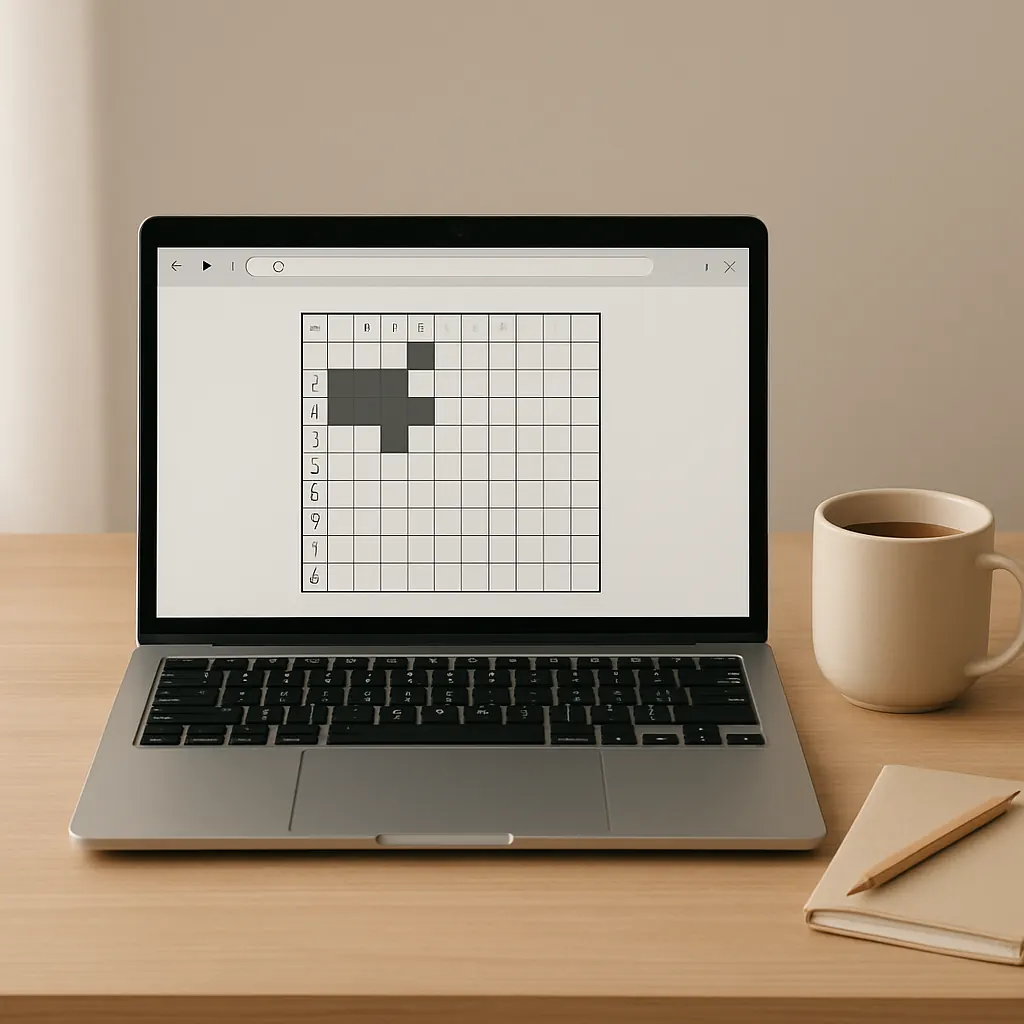
Why choose browser brain games for short sessions?
Browser brain games are great when you want a quick mental reset without installing apps or committing to long play. They usually load fast, work across devices, and let you jump into a single puzzle in under a minute. This guide highlights calm, accessible picks that fit 5–20 minute windows and explains what to expect for load times, controls, and accessibility.
How I picked these games
Choices here prioritize:
- Short, satisfying sessions (roughly 5–20 minutes)
- Simple controls (mouse + keyboard friendly)
- Calm visual design or optional low-contrast modes
- Low load time and minimal animation distractions
Recommended browser brain games
Below are picks grouped by play style. Each entry includes expected session length, accessibility notes, and a quick calming-tip to get the most from a short break.
Daily word and letter puzzles
- Wordle-style daily word puzzles
Session: 3–10 minutes. Accessibility: usually keyboard-first, minimal animation. Calming tip: treat the daily puzzle as a single focused task — no repeats; accept the daily limit as a gentle boundary. - Nerdle-style number-word puzzles
Session: 5–15 minutes. Accessibility: keyboard entry and clear feedback make them quick to iterate. Calming tip: limit to one puzzle per break to keep sessions short and relaxing.
Grid-based logic puzzles
- Nonograms / Griddlers
Session: 8–20 minutes (smaller grids for shorter sessions). Accessibility: many web versions support keyboard navigation and adjustable colors. If you enjoy methodical solving, see the nonogram strategy guide for a step-by-step approach that speeds up play. - Web Sudoku
Session: 5–15 minutes (easy/medium). Accessibility: large-digit modes and keyboard input are common. Calming tip: pick a difficulty you can finish in one break to keep the feeling of completion.
Number and pattern puzzles
- 2048 (and light variants)
Session: 5–15 minutes. Accessibility: arrow-key control; some versions offer high-contrast skins for visibility. Calming tip: play without an on-screen timer and treat incremental progress as the goal. - Set and other pattern-matching games
Session: 3–10 minutes. Accessibility: card sizes and contrast are often adjustable. To improve your scanning and speed, try a few of the techniques in pattern-recognition techniques.
Calm building and spatial puzzles
- Little-building mini games (tile-placement)
Session: 5–20 minutes depending on the scenario. Accessibility: look for versions with simple UI and minimal particle effects. Calming tip: focus on a single small goal, such as placing a fixed number of tiles, rather than open-ended creation. - Minimal route/connection puzzles
Session: 5–12 minutes. Accessibility: these are usually click-or-drag controlled with clear visual feedback and few animations.
Practical notes: load time and device fit
- Load times: Choose HTML5/JS games over Unity or heavy Flash-era ports for faster start times. Many lightweight puzzle pages render and let you play within a few seconds on mobile or desktop.
- Mobile vs desktop: If you prefer keyboard navigation, use desktop. Many browser puzzles are mobile-friendly, but check touch responsiveness first if you plan to play on a phone.
- Offline and cached play: Some web puzzles offer progressive web app (PWA) behavior or let you play an already-loaded level offline. If you want guaranteed quick access, open the page once and keep it in a small folder of browser tabs for daily use.
Accessibility and calm design
Look for these options in a browser puzzle before relying on it for short sessions:
- Keyboard-only play and clear focus indicators for non-mouse users.
- High-contrast or colorblind-friendly palettes, often in settings.
- Adjustable font or grid size for better readability.
- Minimal animations or an option to reduce motion.
Choosing puzzles with these features keeps short breaks genuinely restful and inclusive.
Short-session routines that work
- Decide the time: set a visible 5–20 minute timer (use your device’s clock rather than a competitive in-game timer).
- Pick one puzzle and commit to finishing it or stopping when the timer rings.
- Keep a consistent set of sites/tabs for quick access — this reduces decision fatigue.
- After your session, close the tab or switch to a relaxing activity to preserve the feeling of completion.
Where to go next
If you want more curated options across platforms and mobile-friendly picks, check my broader calm game list. That roundup links to multi-platform titles and mobile-friendly alternatives ideal for longer or varied sessions.
Final tips
Short, focused browser sessions are most effective when you choose quiet interfaces, set a simple time boundary, and pick a single small goal. Whether you prefer word puzzles, nonograms, or quick number games, there are many web-friendly options that respect your time and attention. If you want to improve speed and recognition across many of these puzzles, see pattern-recognition techniques for exercises that transfer well from one game to another.
Happy short solves — keep it calm, keep it focused, and enjoy the little wins.