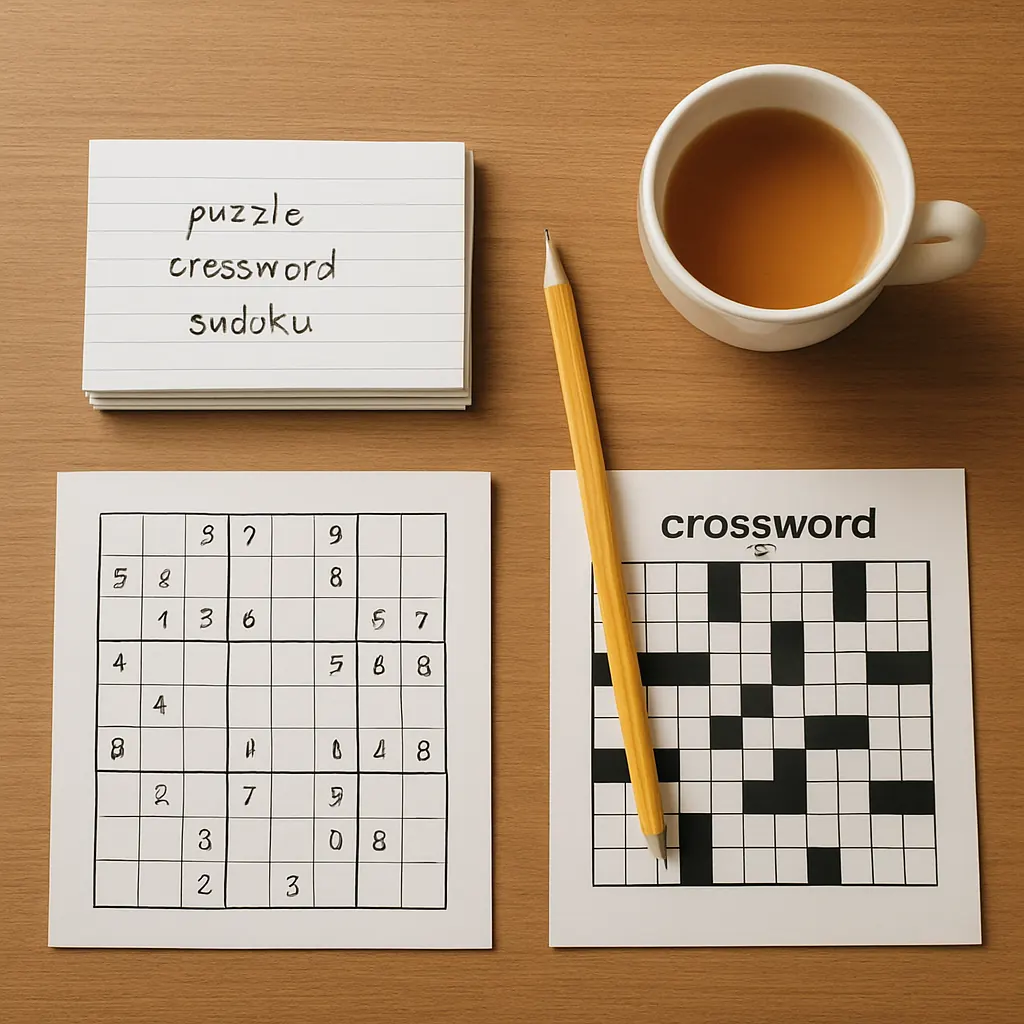
Keeping a small, focused journal is one of the easiest ways to turn casual puzzle play into steady improvement. This post gives a compact, printable/digital puzzle journal template you can start using today, plus examples and tips for making entries in under two minutes.
Why a puzzle journal helps
A short, structured entry forces you to notice patterns that are easy to miss while solving: recurring mistakes, strategies that work, and how long different puzzle types take. Journaling also makes your progress visible, which is motivating and helps you pick better resources over time.
How to use the template
Use the template after a single puzzle or a short session (10–60 minutes). If you prefer a daily habit, add a single summary line per day. Keep entries brief—one sentence or short bullet per field is enough. Integrate the journal with your existing routine (morning coffee, post-solve cooldown, or a short review at the end of a session) and it will stick. For routine ideas, try adding the journal to your daily practice routines.
A compact puzzle journal template (printable / digital)
Below is a one-row template you can copy into a spreadsheet, note app, or print as a small card. Each field is followed by a one-line explanation.
- Date — YYYY-MM-DD
- Puzzle type — e.g., Crossword, Sudoku, Logic grid, Word puzzle
- Source — book/app/site (track what works: see choosing puzzle resources)
- Time spent — minutes (or “30-60” for sessions)
- Result — Solved / Partial / Gave up
- What worked (strategy) — quick note: e.g., “fill easy rows first,” “mark candidates,” “scan for theme”
- Mistake / obstacle — brief: “misread clue,” “logic assumption,” “forgot to check X”
- One improvement goal — focused, action-oriented next step: e.g., “slow down on clue parsing,” “use pencil marks consistently”
- Tags / difficulty — optional: tags like #pattern, #timed, difficulty: Easy/Med/Hard
Printable card version
Format the template as a 3″x5″ card with each field on one line. Keep a stack of blank cards, and drop a completed card in a box. Review the box weekly.
Digital version
Use a simple spreadsheet or a note template. Columns match the template fields; add filters for puzzle type and tags. The digital approach makes it easy to count totals (e.g., time per week) or sort mistakes by type.
Weekly mini-review (3–5 minutes)
Once a week, scan your entries and look for one pattern: a repeated mistake, a strategy that reliably helps, or a source that consistently provides enjoyable challenges. Pick one improvement goal for the coming week and write it at the top of your next entries.
Three example entries
-
Date: 2026-03-10 — Puzzle: Crossword — Source: Local paper — Time: 25 min — Result: Partial
What worked: Fill short, certain answers first.
Mistake: Misread a punny clue; assumed literal meaning.
Improvement: Re-read clues after a pass; look for wordplay markers.
Tags: #wordplay #paper — Difficulty: Medium -
Date: 2026-03-12 — Puzzle: Sudoku — Source: App — Time: 15 min — Result: Solved
What worked: Pencil marks for one-digit candidates.
Mistake: Wasted time checking same row twice.
Improvement: Use systematic scan order (rows left-to-right, then columns).
Tags: #number — Difficulty: Easy -
Date: 2026-03-14 — Puzzle: Logic grid — Source: Puzzle book — Time: 48 min — Result: Solved
What worked: Diagrammed relationships immediately.
Mistake: Assumed two options were exclusive when they were not.
Improvement: Review each clue carefully for “at least/at most” wording.
Tags: #logic #book — Difficulty: Hard
Small habits that make journaling painless
- Keep it short: The journal is a prompt, not an essay. One or two short phrases per field are enough.
- Use checkboxes: For a daily card, add a small completion checkbox so you get the satisfaction of marking it done.
- Pair with a routine: Do the journal while your tea cools or during a five-minute stretch after solving.
- Aggregate monthly: Move completed entries into a monthly summary that lists top mistakes and most useful strategies.
- Share selectively: If you enjoy low-pressure feedback, bring journal highlights to a small group — it can focus conversations and show progress. Try sharing insights when joining puzzle communities.
Choosing physical or digital — quick pros and cons
- Paper: Pros: tactile, quick, no screen. Cons: harder to aggregate or filter.
- Digital: Pros: searchable, sortable, easy to back up. Cons: requires a device and small setup time.
Next steps
Start with one card or one spreadsheet row today. After two weeks you’ll have notes that make patterns visible and help you pick better materials — whether that’s a new app, a book, or a daily streak. If you’re tracking which books or apps work best for different goals, the journal will make that choice clearer: try the template for a month and compare sources in your weekly reviews (see choosing puzzle resources).
Want a ready-to-print card or a spreadsheet starter? Save this page and copy the template into your notes app. Keep entries small, stay consistent, and use short weekly reviews to build clear, low-pressure progress.